
LINK ON
YOUR DEVICES.
Use Link in your browser on desktop or mobile.
Choose a platform below to see available downloads and web access.
No installation needed.
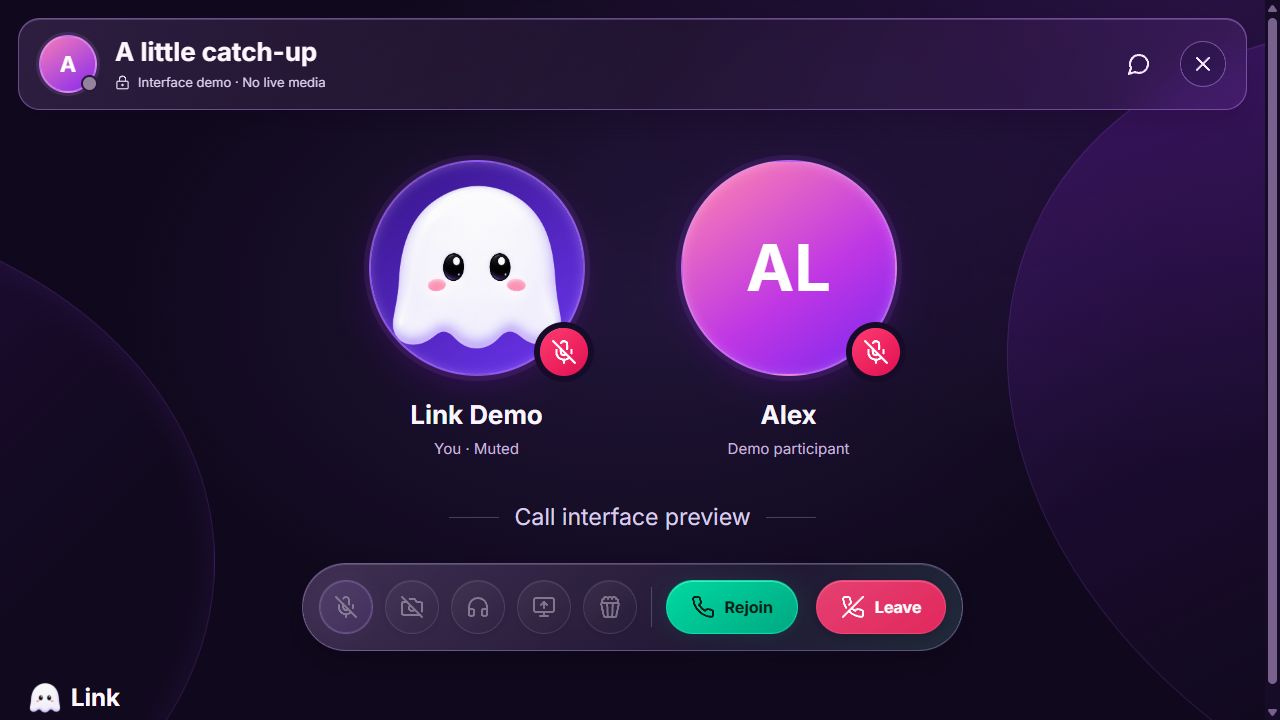
LINK FOR
DESKTOP.
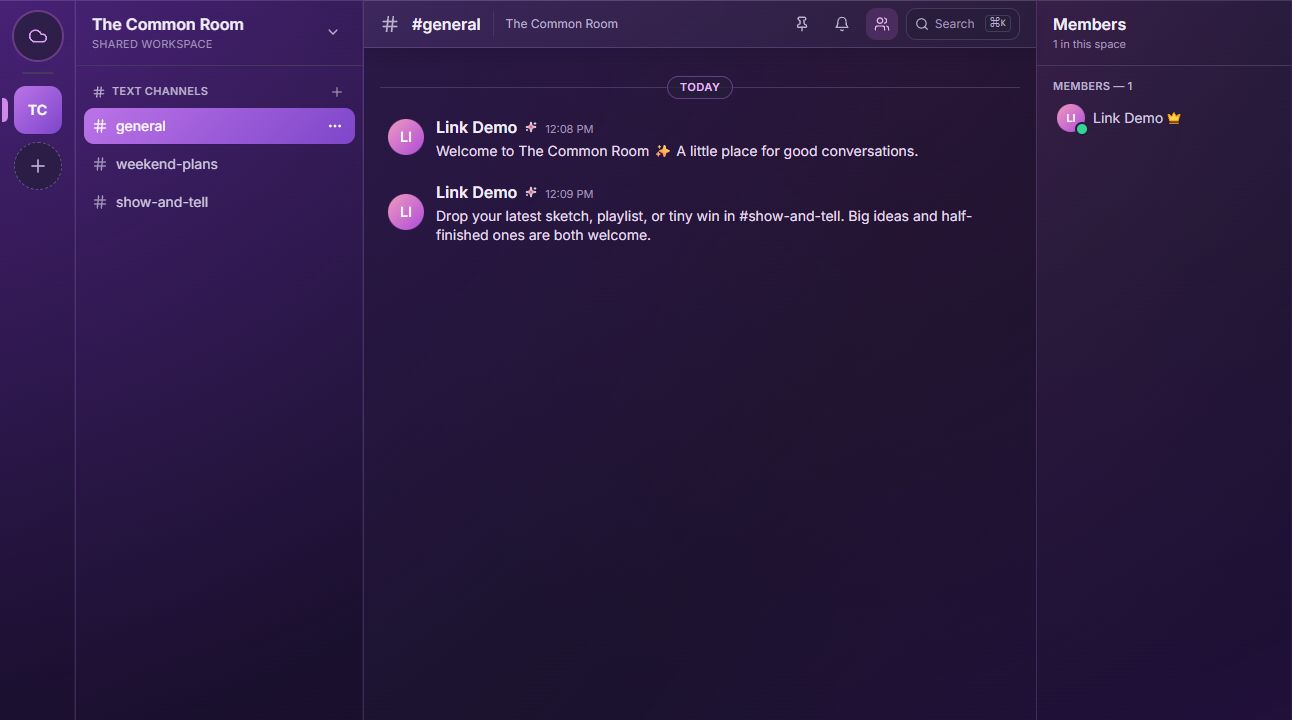
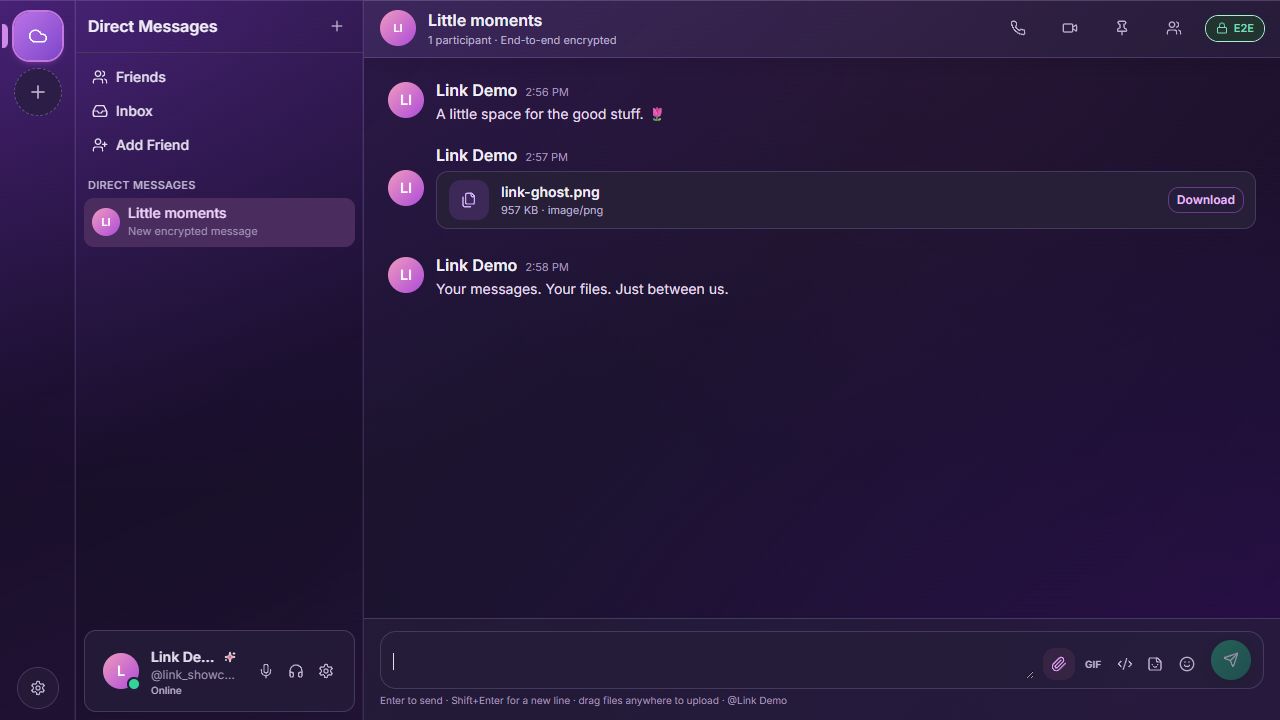
Keep your chats and communities open alongside everything else. Send messages, share files, and switch between conversations on a larger screen.
Windows and macOS apps are in development. Public downloads aren’t available yet; use the web app for now.
LINK FOR
MOBILE.
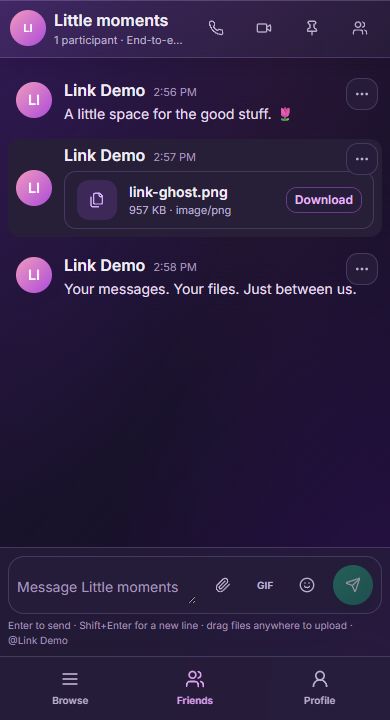
Open Link on your phone or tablet to keep up with chats, share files, and check in with your communities.
Buttons marked “Web app” open the browser version, not an app-store download. Calls, screen sharing, and optional passkeys depend on browser and device support.
OPEN LINK.
NO INSTALL NEEDED.
Use Link directly in your browser. Choose a username to create an account, or sign in to an account you already have. Your sign-in is saved in this browser.
NEW DEVICE.
SAME ACCOUNT.
Choose “Use a signed-in device” on the sign-in screen. Scan the QR code with a phone where you already use Link, check that the codes match, and approve access. No passkey required.
Open Link See all sign-in options